
Face Recognition: How It Works, Where It’s Used and the Debate
Face recognition (also called facial recognition technology) is the technology that knows your face. It unlocks your phone and checks your passport at the border. In some places it scans crowds for wanted people, which makes it one of the most debated technologies of our time.
This page explains what face recognition is and how it works. It also gives a quick tour of the wider topic with a link to our full guide on each part.
What is face recognition?
Face recognition is software that identifies or confirms a person from an image of their face. It measures the shape and features of a face and compares them with faces it already knows.
How does face recognition work?
A camera captures a face and software turns its features into a template made of numbers. It is compared with one stored face to confirm who you are or with many faces to find out who you might be. A match means the similarity score passed a set threshold and is never a certainty.
Why does face recognition matter?
Face recognition is now part of phones and airports as well as banks and policing. A face can be scanned from a distance without consent, which raises bigger privacy questions than most other biometrics. In many countries courts and lawmakers are now deciding how it may be used.
How Face Recognition Works, Step by Step
Every face recognition system follows the same basic pipeline. The camera and the software change from system to system. The steps stay the same.
Step 1: Face detection
First the software has to find a face. Face detection scans an image and draws a box around anything that looks like a face. It answers “is there a face here?” and nothing more.
Detection runs on almost every phone camera today. It’s the reason your camera app can focus on faces. On its own it does not identify anyone.
Step 2: Alignment
Faces in photos are tilted and lit in different ways. So the system finds landmarks such as the eyes and the corners of the mouth. It then rotates and scales the face into a standard position.
Step 3: Feature extraction
Next comes the clever part. A neural network studies the aligned face and turns it into a template. That’s a list of numbers that describes the face in a way the computer can compare.
So what does face recognition look for? Modern systems don’t measure a fixed list of distances by hand. The network learns which patterns separate one face from another, from the shape of the eyes to the texture of the skin.
Step 4: Comparison
The new template is compared with stored ones. Two templates from the same person sit close together while templates from different people sit further apart. The system turns that distance into a similarity score.
Step 5: The decision
The score is checked against a threshold. Above it the system reports a match. Below it there is no match.
Where that line sits is a trade-off. A strict threshold rarely accepts the wrong person but rejects the right one more often. A loose threshold does the opposite.
Liveness detection
Good systems also check that a real live person is in front of the camera. This is called liveness detection or presentation attack detection. It tries to reject printed photos and masks as well as videos played on a screen.
The same steps power the biometric authentication on your phone and the cameras at an airport gate. What changes is the camera quality and how many faces the system compares against.
Two Jobs: Verification and Identification
Most face recognition does one of two jobs. Verification asks whether you are who you claim to be. Face ID does this and so does a passport gate comparing you with your passport photo.
Identification asks who a face belongs to by searching a watchlist or a database. Police searches, shop watchlists and face search engines all work this way. That’s where most of the controversy sits.
Read the full guide
Biometric Authentication Explained: Methods, Steps and Trade-offs
How one-to-one face checks fit into logins and payments.
2D, 3D and Live Cameras: Not All Systems Work Alike
Not all face recognition works the same way. Most systems use ordinary 2D photos or video. That is cheap but easier to fool with a printed picture.
3D systems also measure the depth of the face. Apple’s Face ID projects more than 30,000 invisible dots to map it (Apple). Infrared cameras can see faces in the dark while live facial recognition scans every face in a video stream against a watchlist.
Read the full guide
The Face Recognition App on Your Phone: What It Does and What It Knows
How phone face unlock differs between brands and what photo apps know about you.
From a 1960s Lab to Your Pocket
- 1964: Woody Bledsoe makes the first computer attempt at face recognition (arXiv).
- 2000: NIST runs its first Face Recognition Vendor Test, still the benchmark today.
- 2014: Facebook’s DeepFace shows that deep learning can match faces with 97.35% accuracy on a standard test.
- 2017: Apple launches Face ID and puts 3D face recognition into millions of pockets.
- 2020s: Face checks spread to airports, banks and shops as lawmakers start to set limits.
Can a Machine Get Your Face Wrong?
The best systems are very accurate on good photos. In NIST’s 2026 tests the top algorithms missed only about 1 in 1,000 searches of a mugshot database. With photos from self-service kiosks that rose to about 5% (Biometric Update).
Masks and poor light both hurt accuracy (NIST). Some algorithms have also made more errors for certain demographic groups. The most accurate ones were the most even (NIST).
On phones the odds are published by the makers. The chart below compares Face ID with fingerprint unlock.
Where You Meet It in Daily Life
Face unlock on phones is the most common use. Banks and apps ask for a selfie to open accounts while some shops scan customers against watchlists. Police use it to search mugshot databases for leads.
Airports are growing fast. In IATA’s 2026 survey 58% of travelers had used biometrics on an airport journey in the past year (IATA).

Read the full guide
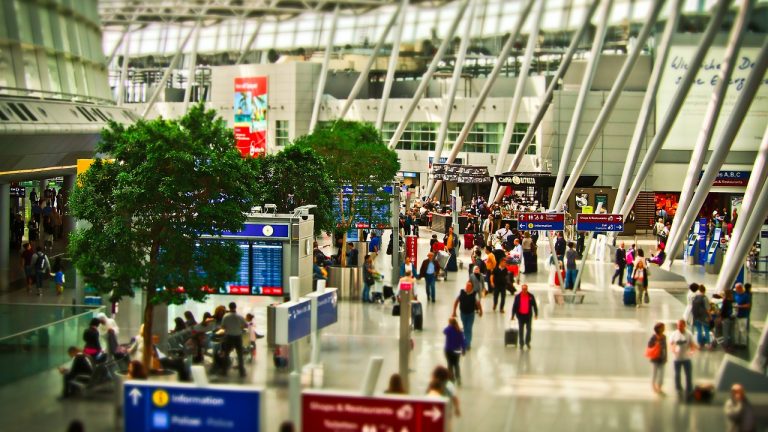
Top 10 Face Recognition Applications with Live Examples
Real examples of face recognition at work around the world.
Read the full guide
21 Airport Facial Recognition Adoption Examples
How airports use face scans from check-in to boarding.
Your Face or Your Fingerprint?
Face recognition needs no contact and works from a distance. That makes it convenient and it’s also why it raises more privacy questions than a fingerprint. The chart sums up the main differences.
Read the full guide
Facial Recognition vs Fingerprint: Convenience, Security and the Trade-offs
Seven differences that matter from speed to privacy.
Why Face Recognition Is So Debated
Supporters say face recognition helps find missing people and stop identity fraud. It also makes phones and airports quicker to get through.
Critics point to wrongful matches. In 2020 Detroit police arrested Robert Williams after a false face match. The city later paid him $300,000 and tightened its rules (Michigan Public).
Scraping is another worry. Clearview AI was fined €30.5 million in the Netherlands for building a face database from photos copied off the web (DutchNews). The chart shows which public face search tools match the same face.
Read the full guide
Face Search Engines: What They Find, What They Miss and How to Opt Out
How tools like PimEyes work and how to remove your face.
Read the full guide
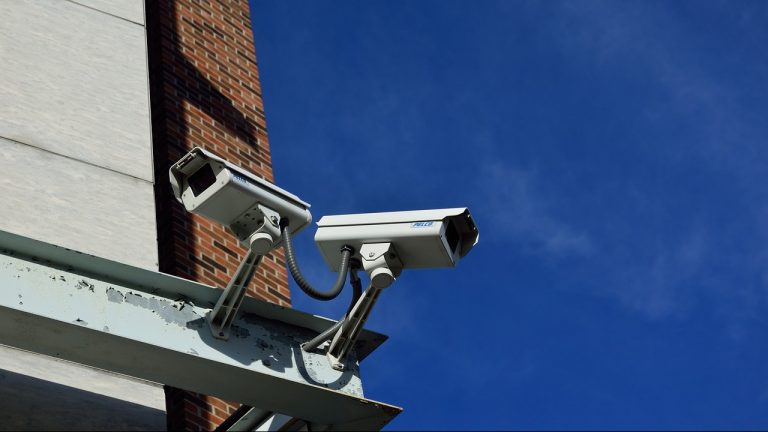
How CCTV Face Recognition Works in Surveillance
Where cameras recognize faces in public spaces.
Who Makes the Rules Around the World?
The rules differ a lot from one country to the next. Here is a quick overview.
| Region | Main rules |
|---|---|
| European Union | The AI Act bans scraping faces to build databases and mostly bans live face scanning in public by police. |
| United Kingdom | No single face recognition law; data protection law applies. |
| United States | No federal law. Illinois requires consent, and San Francisco banned police use in 2019. |
| China | National rules since June 2025 limit face recognition where other methods work. |
| India | The Digital Personal Data Protection Act 2023 covers face data. |
| Brazil | The LGPD applies, and mobile lines need face checks from 2027. |
Sources: eucrim, Hunton and Al Jazeera.
Read the full guide
What Is Biometric Data? Examples, Templates and What the Law Counts
Why faces count as sensitive data and what the law says.
Where Face Recognition Goes From Here
Deepfakes are the newest threat. Gartner said injection attacks rose 200% in 2023. In these attacks fake video is fed straight into an app (Gartner).
At the same time face checks are spreading into new jobs. Apple now uses a selfie to estimate age on the iPhone while airlines want one face scan to replace boarding passes.
Read the full guide
Your Body Is the New Password: 8 Shifts Shaping the Future of Biometrics
Deepfakes and passkeys are among the shifts coming next.
Explore face recognition
Face recognition apps
From Face ID to Google Photos your phone uses face recognition every day. See what seven popular apps do and what they know about you.
Face search engines
Tools like PimEyes can find your photos across the web from a single selfie. Learn how they work and how to opt out.
Face vs fingerprint
Which is faster, harder to fool and kinder to your privacy? We compare the two most common ways to unlock a phone across seven differences.
Airports and borders
Face scans now stand in for boarding passes and passport checks at many airports. See how airports around the world are using the technology.
CCTV and surveillance
Cameras that recognize faces in public spaces are the most contested use of all. See how CCTV face recognition works and where it is used.
Real-world applications
Beyond phones and passports face recognition shows up in banks, shops and hospitals. Explore real examples of how it is being applied.
2D, 3D and live systems
2D and 3D systems work in different ways, and so do live cameras. Our upcoming guide compares them side by side.
Guide coming soon
Errors and false matches
How often does face recognition get it wrong and why? This guide will cover independent test results and what affects them.
Guide coming soon
Rules by country
Rules differ a lot from one country to the next. This guide will compare them.
Guide coming soon
Latest face recognition news
Face recognition guides and explainers
-
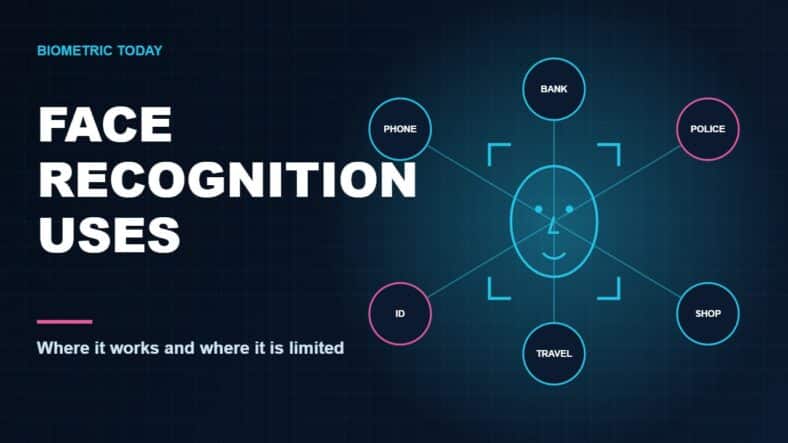
Face Recognition Uses and Applications: Real Examples, Rules and Limits
-
Airport Face Recognition: How It Works, Where It’s Used and Your Options
-
Face Search Engines: What They Find, What They Miss and How to Opt Out
-
Facial Recognition vs Fingerprint: Convenience, Security and the Trade-offs
-
The Face Recognition App on Your Phone: What It Does and What It Knows
-

How CCTV Face Recognition Facilitate the Surveillance System
Face recognition by country
Country guides are on the way. Until then these stories show how different countries are handling face recognition:
- United Kingdom: face scans in Sainsbury’s stores
- Brazil: face checks for every mobile line
- Worldwide: how air travelers feel about face scans at airports
Related topics
References
- Apple, About Face ID advanced technology
- Biometric Update, NIST FRTE 1:N results, August 2026
- NIST, Face masks and face recognition (NISTIR 8311), July 2020
- NIST, Demographic effects in face recognition (NISTIR 8280), December 2019
- arXiv, About Face: A Survey of Facial Recognition Evaluation
- IATA, 2026 Global Passenger Survey, October 2026
- Michigan Public, Wrongful facial recognition arrest leads to landmark settlement, June 2024
- DutchNews, Dutch privacy watchdog fines Clearview €30.5m, September 2024
- eucrim, Guidelines on prohibited AI practices, February 2025
- Hunton, China releases new rules on facial recognition, March 2025
- Al Jazeera, San Francisco first US city to ban facial recognition by police, May 2019
- Gartner, Deepfakes and identity verification, February 2024
