Your phone probably recognized your face today before you even noticed. That glance at the screen was a face recognition app at work.
So was the facial recognition app that grouped photos of your friends. Same idea but a very different job.
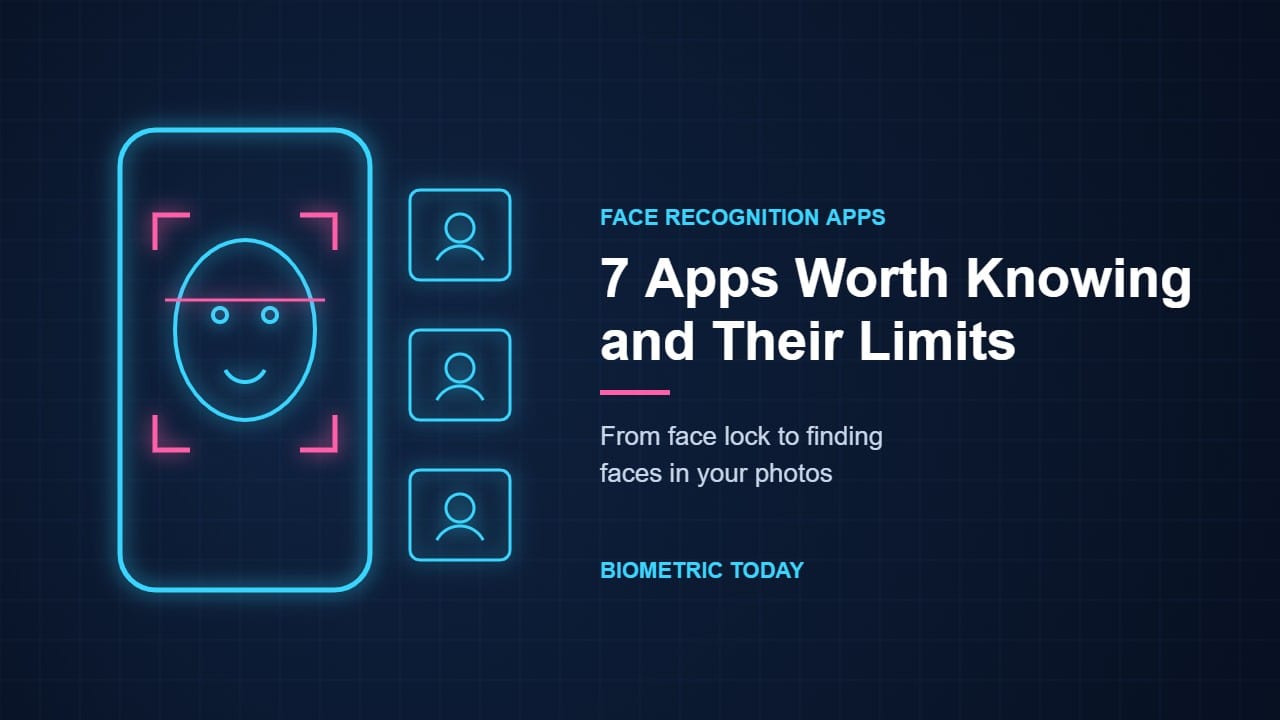
This guide looks at seven face recognition apps worth knowing. You’ll see what each one does with your face, where it stores it and where it falls short.
Two kinds of face recognition app
Every face recognition app turns your face into a set of numbers called a faceprint. What happens next depends on the job.
Some apps ask one simple question. Is this the phone’s owner? That’s face unlock and face lock.
Other apps ask who is in a picture. They sort every face they find into groups and let you add names.
The first kind is about access. The second is about recognizing people. That’s where most of the privacy debate sits.
Face unlock and face lock apps
The first three face recognition apps live inside your phone. You don’t download them. You turn them on in settings.
1. Face ID (iPhone)
Apple launched Face ID with the iPhone X in 2017. It projects a pattern of invisible dots onto your face and builds a 3D map.
Apple says the chance a random person could unlock your iPhone this way is less than 1 in 1,000,000. Your face data stays in a secure chip on the phone and isn’t sent to Apple.
Where it falls short: Apple notes the odds are different for twins, close siblings and children under 13. Their faces may still be developing or look too alike.
Bonus for iPhone users: since iOS 18 you can lock single apps with Face ID. Long-press an app and choose Require Face ID. That turns Face ID into a built-in face lock app.
2. Face Unlock (Google Pixel)
Google’s Pixel phones use the front camera and on-device AI instead of special sensors. With the Pixel 8 in 2023 Google said Face Unlock met Android’s highest biometric security class.
That matters because banking and payment apps only accept the strongest class. Pixel 8 owners could approve payments and sign in to banking apps with their face for the first time.
Where it falls short: it works best in good light. Older Pixels that used Face Unlock couldn’t approve payments at all.
3. Face recognition (Samsung Galaxy)
Samsung’s face recognition uses the selfie camera to unlock the phone. It’s quick and works well for everyday use.
Where it falls short: Samsung is upfront about it. Its support pages say face recognition is less secure than a pattern, PIN or password. They also warn the phone could be unlocked by someone or something that looks like you.
Samsung recommends fingerprint unlock if security matters most. Our face vs fingerprint guide explains why the two differ so much.
What about face lock apps from the app store?
Face lock apps are easy to find in app stores. Most of these face scanner apps don’t run their own face check. They borrow the face unlock your phone already has.
So a face lock app on a Pixel 8 or an iPhone is as strong as Face ID or Pixel Face Unlock. On a phone with a basic 2D face unlock it’s only as strong as that.
Before you download one check whether your phone already has app lock built in. Our guide to fingerprint app lock compares built-in options with the best-known lockers.
Face recognition apps that find people in photos
The next four apps don’t guard anything. They recognize the people in your pictures. That’s where things get more personal.
4. Google Photos (face groups)
Google Photos is probably the most used photo face recognition app in the world. With face groups switched on it sorts your photos by the people in them. You can then add a name and search by face.
Google says the names you add are private to your account. Turning the feature off deletes your face groups and the face models behind them.
Where it falls short: face groups aren’t available in every country or on every account type. Some people find the feature missing and wonder why.
5. Apple Photos (People)
Apple Photos does the same job on iPhone, iPad and Mac. The big difference is where the work happens.
Apple’s researchers say the whole process runs on your own device. It can even match people whose faces are turned away by looking at their upper body and clothing in photos taken at the same moment.
Where it falls short: it only knows the people in your own library. You also need to fix mistakes by hand when it merges two lookalikes.
6. Seeing AI (Microsoft)
Seeing AI is a free app built for blind and low-vision users. Point your phone at a scene and it describes what’s there out loud.
You can save photos of friends and coworkers so the app can name them later. It also estimates a person’s age and facial expression. For many users that turns a face recognition app into a daily social helper.
Where it falls short: it can only name people you’ve taught it. Age and expression are estimates and can be wrong.
7. Facebook (Meta)
Facebook has the most dramatic face recognition story of all. For years it suggested tags when a friend appeared in your photos.
In November 2021 Meta switched that system off. It said it would delete the face templates of more than a billion people.
In October 2024 face recognition came back in a narrower form. Meta now uses it to spot scam ads that misuse famous faces. It also works like a face verification app when you recover a hacked account with a video selfie, and Meta says that face data is deleted straight after.
Where it falls short: you can’t use it to recognize people yourself. Whether its return is reassuring or worrying depends on how much you trust the company.
All 7 face recognition apps side by side
| App | What it does | Where your face data lives | Cost | Main limit |
|---|---|---|---|---|
| Face ID | Unlocks iPhone, locks apps, approves payments | Secure chip on the phone | Built in | Less reliable for twins and children under 13 |
| Pixel Face Unlock | Unlocks Pixel, approves payments on Pixel 8 and later | On the phone | Built in | Needs good light |
| Samsung face recognition | Unlocks Galaxy phones | On the phone | Built in | Samsung rates it below PIN or fingerprint |
| Google Photos | Groups and names people in photos | Your Google account | Free | Not offered in every country |
| Apple Photos | Builds a People album | On your devices | Built in | Only knows your own library |
| Seeing AI | Names saved people and describes faces aloud | Within the app | Free | Only names people you teach it |
| Facebook (Meta) | Spots scam ads and checks video selfies | Meta’s servers, deleted after each check | Free | You can’t use it to recognize anyone |
Where these apps stop: face finder sites
You may have seen “face finder” sites that search the whole web for a face. No face identification app on this list does that.
Those are reverse face search engines. They work very differently and raise much bigger questions. We cover them in our guide to face search engines.
The privacy question you’ll have to answer yourself
A face recognition app can save you time and protect your phone. It can also turn your face into data that lives somewhere you can’t see.
The case for. Unlocking apps keep your faceprint on the phone where nobody else sees it. Photo apps save hours of scrolling. Tools like Seeing AI give blind users something they never had before.
The case against. A face is hard to keep private. You show it everywhere you go, and you can’t change it like a password. Some photo apps also scan friends who never agreed to it.
The rules differ by place too. Some laws treat a faceprint as sensitive biometric data, as our guide to biometric data explains. Others barely mention it.
And the same technology looks very different on a street camera. Our article on CCTV face recognition covers that side of the debate.
Face recognition app questions, answered
Is there a free face recognition app?
Yes. Face ID, Pixel Face Unlock and Samsung face recognition come free with the phone. Google Photos, Apple Photos and Seeing AI are free too.
Which face recognition app is best for Android?
For unlocking the one built into your phone is the safest choice. Pixel 8 and later phones are strong enough for payments. For photos Google Photos is the most widely used face recognition app on Android.
Is a face lock app safe?
It’s only as safe as your phone’s own face unlock. On phones with 3D face scanning or Android’s highest security class, it’s strong. A fingerprint or PIN is safer on basic 2D face unlock.
Can a face recognition app on iPhone lock other apps?
Yes. Since iOS 18 you can long-press most apps and choose Require Face ID.
Can a face identification app tell me who a stranger is?
The seven apps here can’t. They only recognize you or people already in your own photos. Searching the web for a stranger’s face is a different kind of tool with serious privacy and legal concerns.
Which of these would you trust with your face?
Most of us already use at least one face recognition app every day. Few of us stop to ask where the faceprint goes.
So here’s the question to sit with. Is a faster unlock worth it?
Would you let a photo app learn your friends’ faces? Where would you draw the line?
Sources
- Apple: About Face ID advanced technology
- Apple: The future is here: iPhone X (September 2017)
- Apple Support: Lock or hide an app on iPhone
- 9to5Google: Pixel 8 Face Unlock works with banking and payment apps (October 2023)
- Samsung Support: Can a picture unlock a phone locked by face recognition?
- Google Photos Help: Set up and manage your face groups
- Apple Machine Learning Research: Recognizing People in Photos Through Private On-Device Machine Learning (July 2021)
- Microsoft: Seeing AI on the App Store
- Meta: An update on our use of face recognition (November 2021)
- Meta: Testing new ways to combat scams and restore compromised accounts (October 2024)