You probably used biometric authentication before breakfast today. Maybe it was a thumb on the phone or a quick face scan to open your banking app.
It feels like magic. It’s actually a quick comparison between a fresh scan of you and a stored set of measurements. Most of the time it works without you noticing.
This guide explains how that comparison happens step by step. It covers the main biometric authentication methods and where you’ll meet them. It also lays out the risks so you can decide how much to rely on it.
What Is Biometric Authentication?
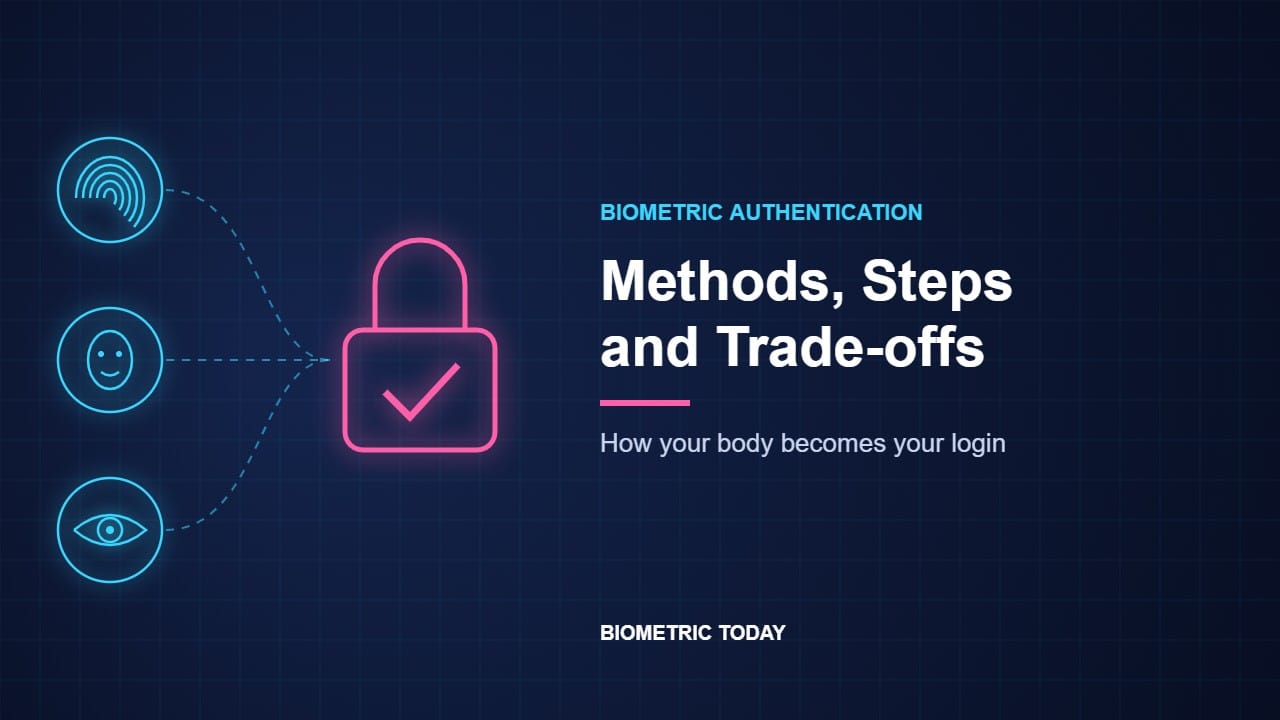
Biometric authentication means proving you are who you claim to be using a part of your body or the way you behave. Your fingerprint, face, iris, voice and even your typing rhythm can all do the job.
Security people group login proof into three factors. Something you know is a password or PIN. Something you have is a phone or security key.
Biometrics are the third factor: something you are. That’s the simple biometric authentication meaning.
Authentication is not identification
The two words get mixed up a lot. Authentication answers one question: are you the person you say you are? The system compares your scan with one stored record.
Identification asks a bigger question: who is this? The system searches a whole database for a match. That’s what police face searches do and it raises very different privacy questions.
This article is about the first one. Using biometrics for authentication is what phones, banks and most border gates do every day.
How Does Biometric Authentication Work?
Every biometric authentication system follows the same basic process. The sensor changes and the trait changes. The four steps stay the same.
Step 1: Enrollment
First you register. You press your finger several times or turn your head while the camera watches.
The system doesn’t keep those images as they are. It pulls out the key features and turns them into a template made of numbers. Our guide to biometric data shows what a template looks like in practice.
Step 2: Capture and liveness
Each time you log in the sensor takes a fresh sample. Good systems also check that the sample comes from a live person and not a photo or a silicone finger.
That check is called presentation attack detection or liveness detection. It is one of the biggest differences between a cheap biometric authentication device and a strong one.
Step 3: Comparison
The system turns the new sample into a template and compares it with the stored one. It never gets a perfect match because your finger lands at a different angle and the light is never quite the same.
So instead of yes or no it produces a similarity score. Closer templates get a higher score.
Step 4: The decision
The score is checked against a threshold. Above it you’re in. Below it you get another try or a prompt for your PIN.
Where that line sits is a trade-off. Set it high and impostors rarely get in but the real owner gets rejected more often. Set it low and the reverse happens.
Those two errors have names. A false match lets the wrong person in while a false non-match locks the right person out.
What the rules require
The US standards body NIST publishes the guidelines many governments and companies follow. Its 2025 digital identity rules set a false match rate of 1 in 10,000 or better for every demographic group (NIST SP 800-63B). Systems must also stop after five failed attempts or ten if they check for fakes.
NIST adds two points that surprise people. It says biometrics are not secrets because your face and fingerprints are on show every day. It also says matching is probabilistic while passwords are exact.
That’s why NIST only allows biometrics alongside something you have such as your own phone or a security key. It also says users must always get a non-biometric option.
Where the matching happens
On most phones the template never leaves the device. It sits in a locked chip and the app only learns whether you passed.
Other systems match on a server. Border gates, attendance machines and some banks send your sample to a central database. That’s convenient but it means a breach can expose biometric data in bulk.
6 Common Biometric Authentication Methods
There are many types of biometric authentication. Six do most of the work today. Here’s how each one fits into the login process above.
| Method | What it reads | Where you’ll meet it | Main weak spot |
|---|---|---|---|
| Fingerprint | Ridge patterns on a fingertip | Phones, laptops, door locks, borders | Worn, wet or damaged skin |
| Face | Shape and features of the face | Phones, airports, banking apps | Lookalikes and weak 2D cameras |
| Iris | Patterns in the colored ring of the eye | Borders, national ID, high-security sites | Needs close range and a good camera |
| Voice | Pitch, tone and speech habits | Phone banking, call centers | Background noise and voice cloning |
| Finger vein | Blood vessel pattern under the skin | ATMs and banks, mainly in Japan | Dedicated readers cost more |
| Behavioral | Typing rhythm, swipes, how you hold a phone | Fraud checks running in the background | Habits change with mood and injury |
Fingerprint
Biometric authentication with a fingerprint is still the most familiar option. A sensor maps the ridges and the points where they split or end.
It’s cheap, fast and well tested. It struggles with fingers that are wet, cut or worn smooth by age and manual work.
Face
Face recognition measures the shape of your face from a camera image. Strong systems use 3D depth sensing while basic ones rely on a flat selfie camera.
That difference matters a lot for security. Our comparison of face recognition vs fingerprint digs into it.
Iris
Iris biometric authentication reads the detailed pattern in the colored ring around your pupil. Cameras use near infrared light to see it clearly even in dark eyes.
It’s one of the most accurate methods and doesn’t change much with age. You’ll find more detail in our guide to iris recognition.
Voice
Voice authentication checks how you sound rather than what you say. It’s popular with banks for phone calls since there’s no extra hardware to buy.
It has a new problem though. Cheap AI tools can now clone a voice from a short clip. So banks pair it with other checks.
Finger vein
Finger vein authentication shines near infrared light into your finger. The blood in your veins shows up as a dark pattern under that light and a camera maps it.
Because the veins sit under the skin they’re very hard to copy. Hitachi says the method is widely used in banking in Japan (Hitachi).
Behavioral biometrics
Behavioral biometric authentication watches how you act. It looks at your typing rhythm, how you swipe and even the angle you hold your phone.
It usually works quietly in the background. Banks use it to spot a fraudster who has your password but doesn’t type like you.
Want the full family with gait, palm and retina? Our guide to the types of biometrics covers each one in depth.
Biometric Authentication Examples You Already Use
Most biometric authentication examples are hiding in plain sight. Here are the big ones.
Phones and passkeys
Your phone is the most common biometric authentication device in the world. Face or fingerprint unlock opens the screen and approves payments.
It now does something bigger too. Passkeys replace passwords on websites and your face or finger is what unlocks them on your phone. The FIDO Alliance says 5 billion passkeys are now in active use and 75% of consumers have turned them on for at least some accounts (FIDO Alliance).
The website never sees your face or fingerprint. Your phone checks you locally and then signs the login with a secret key it holds.
Banking and payments
Banks use biometrics to approve logins, transfers and card payments in their apps. Many also use voice checks on phone calls and behavioral checks in the background.
In stores the idea is spreading slowly. Mastercard launched a biometric checkout program in 2022 that lets shoppers pay with a smile or a wave of the hand.
Borders and e-passports
E-passport gates compare your face with the photo stored on your passport chip. That’s the kind of e pass biometric authentication most travelers meet.
Europe went further in October 2025. Its Entry/Exit System records four fingerprints and a facial image from non-EU visitors on their first trip (ID Tech).
On later visits a face check against those records replaces the passport stamp. See our roundup of uses of biometrics for more national projects.
Workplaces
Offices use fingerprint and face readers at doors and for time tracking. These systems usually match on a central server. That means the employer holds the templates.
Biometrics in Two-Factor and Multi-Factor Authentication
On its own a biometric is one factor. Two factor authentication with biometrics pairs it with something else.
Your phone is the classic case. The phone itself is something you have and your face is something you are. A thief needs both at once.
That’s exactly the setup NIST asks for. Multi factor authentication with biometrics is far stronger than either a password or a fingerprint alone.
The Trade-offs: Is Biometric Authentication Safe?
Biometric authentication security is a real debate. Supporters and critics both have strong points. The answer often depends on how a system is built.
The case for biometrics
You can’t forget your face or leave your finger at home. That alone removes the weakest link in most logins: a reused or guessed password.
Strong systems are also hard to beat by chance. Apple puts the odds of a random person unlocking Face ID at less than 1 in 1,000,000 (Apple).
And when the template stays on your device there’s no central pile of fingerprints for hackers to steal. Passkeys use this model so the website never holds anything worth stealing.
The case for caution
Fakes do work against weaker sensors. In 2020 Cisco Talos researchers fooled phone fingerprint readers about 80% of the time with 3D-printed copies (BankInfoSecurity). It took skill and effort but it worked.
You also can’t reset a fingerprint. In 2015 hackers stole fingerprint records of 5.6 million people from the US Office of Personnel Management (OPM). A stolen password can be changed but those fingerprints stay the same for life.
Accuracy isn’t equal for everyone either. That’s why NIST now requires its false match target to hold for all demographic groups and not just on average.
Privacy and the law
Who holds your template matters as much as the scan. A phone that keeps it in a secure chip is very different from an employer database.
Laws are uneven. Europe’s GDPR treats biometric data used to identify people as a special category that needs extra protection. In the US states like Illinois require written consent before a company collects it.
What both sides agree on
Biometrics work best as one layer and not the only lock. Pair them with a device you own and keep a strong PIN as the fallback.
How far you trust them is your call. It may also differ between unlocking your phone and handing your face to a stranger’s database.
Biometric Authentication: Quick Answers
What are examples of biometric authentication methods?
The most common are fingerprint, face, iris, voice, finger vein and behavioral checks like typing rhythm. Phones mostly use fingerprint and face while borders lean on face, fingerprint and iris.
Is biometric authentication better than a password?
It’s more convenient and can’t be guessed or reused. But it can’t be changed if it leaks. Experts recommend using it with a device you own rather than on its own.
What does “biometric authentication failed” mean?
The new scan scored below the system’s threshold. A wet finger, poor light or a changed appearance can cause it. You’ll usually get another try or a PIN prompt.
Which biometric authentication method is most secure?
There’s no single winner. Iris and finger vein are hard to copy and 3D face systems have strong published odds. The quality of the sensor and its liveness check matters as much as the trait.
Does my biometric data leave my phone?
On most modern phones it doesn’t. The template stays in a secure chip and apps only get a pass or fail answer.
So, How Much Should You Trust It?
Biometric authentication turns your body into a login. It runs the same four steps every time: enroll, capture, compare and decide.
It makes everyday security much smoother and the best systems are very hard to fool. But you can’t change your fingerprints and not every system guards them well.
So where do you draw the line? Would you use your face to unlock your phone but not to enter your office? And who do you trust to hold your template?
Sources
- NIST, SP 800-63B-4 Authenticators: Use of Biometrics, 2025
- FIDO Alliance, The State of Passkeys 2026, May 2026
- Apple, About Face ID advanced technology
- Hitachi, Finger vein authentication
- ID Tech, EU sets October launch for biometric Entry/Exit System
- BankInfoSecurity, Researchers: fake fingerprints bypass biometric sensors, April 2020
- US Office of Personnel Management, Statement on the 2015 cyber incident, September 2015
- Mastercard, Biometric Checkout